How it works
Three steps. No hardware.
From signing up to stamping your first customer, nothing here needs a terminal, a till integration, or a card printer.
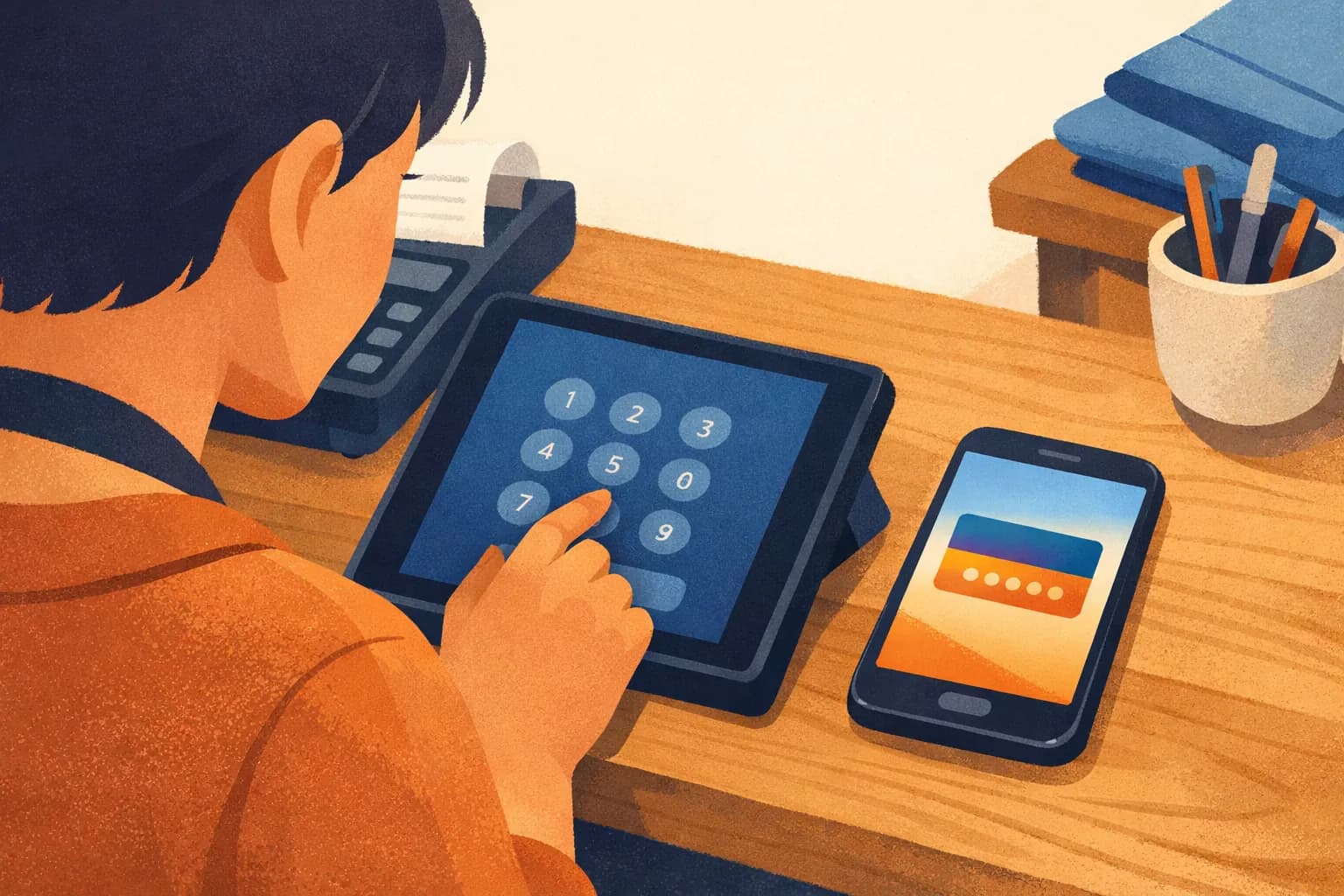
Loonine works in three steps: you design a branded loyalty card in the app, you enrol a customer by typing their phone number, and the card arrives on their phone by text message in about three seconds.
- 01
Design your card
Pick a reward, set the goal, choose your colours and drop in your logo. It looks like your business, not like ours.
- 02
Add a customer by phone number
Type the number into the Loonine app. The welcome text goes out in about three seconds, with a one-tap link to add the card.
- 03
They collect, you keep them
Every visit adds a stamp. The pass updates on their lock screen in real time. The reward unlocks itself.
What happens on the customer's phone
The customer receives a standard text message from your business containing one link. Tapping it opens a page that detects whether they are on iPhone or Android and offers the matching button: Add to Apple Wallet, or Add to Google Wallet. One more tap and the card is installed.
They never create an account, never choose a password, and never install an app. If they close the message and come back to it three days later, the link still works.
What happens when you add a stamp
You scan the QR code on their card with the Loonine app, or look them up by phone number if a screen is cracked or a camera will not focus. The card updates within a second, and the new total appears on their lock screen without them opening anything.
What you need before you start
- A phone. That is the entire hardware requirement.
- A subscription on Premium or above: the Free plan cannot enrol customers.
- Two business days for us to provision a wallet certificate in your business name.
The certificate is what proves to Apple that your cards are legitimate, and it is why a wallet card cannot be forged the way a paper punch card can. It is also the only part of setup you have to wait for.
Customers on Android get a Google Wallet card, and no certificate wait applies to them.
Why not a QR code at sign-up?
Because asking a customer to scan requires them to take out a phone, unlock it, open a camera, focus on a code and tap through a page: five actions, at a counter, usually with someone waiting behind them. Staff learn quickly that offering the card slows the queue, so they stop offering it, and the programme fails for operational reasons rather than product ones.
Read more on why enrolment friction decides whether a loyalty programme works.
Start in the Loonine app
Loonine runs from the business app on iPhone and Android. Download it, design your card, and start your first paid month free.